

How Better Meeting Audio Creates More Productive Hybrid Work
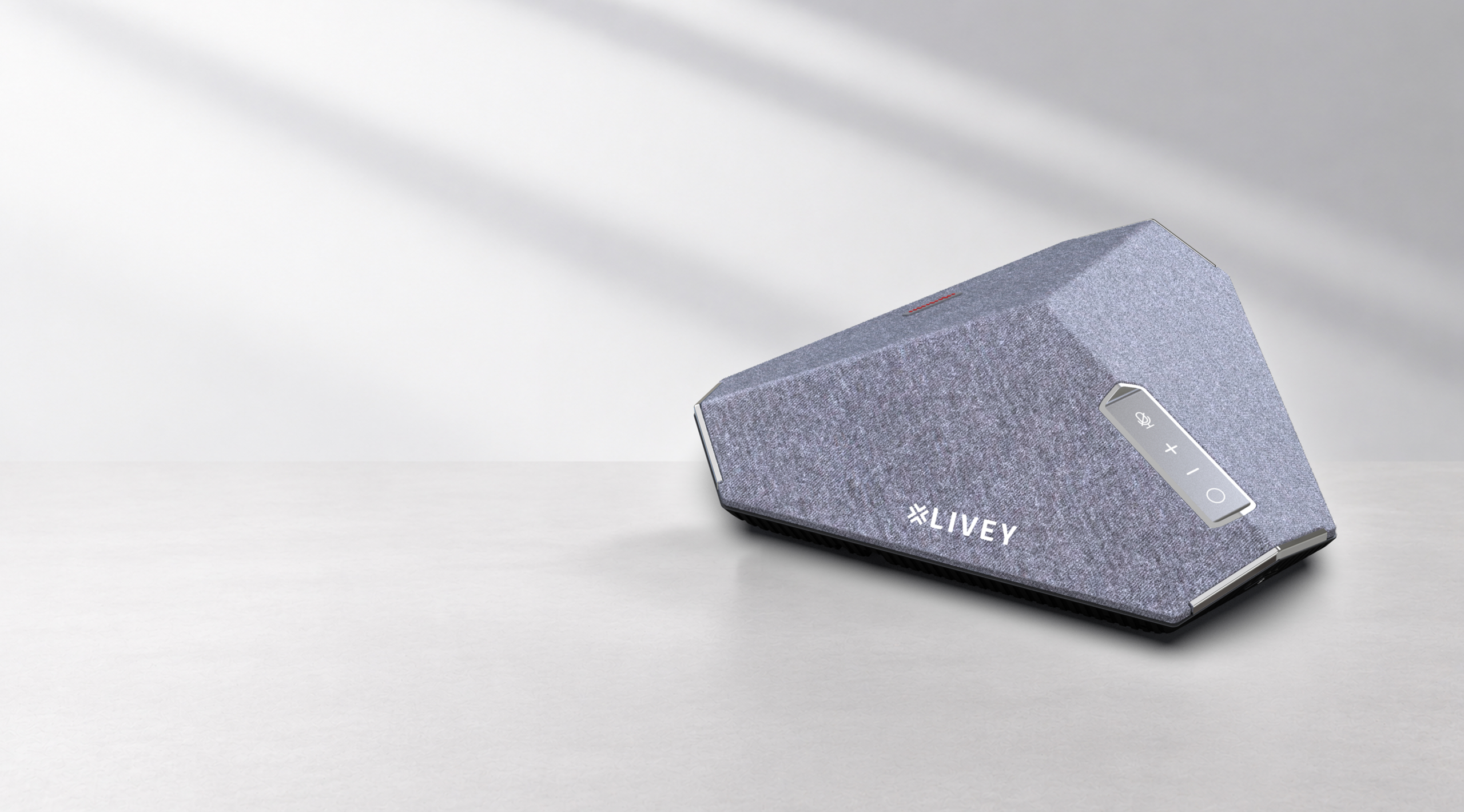
Hybrid work succeeds when every participant can hear and be heard without effort. A well-planned audio setup reduces repetition, keeps conversations natural, and helps teams focus on decisions instead of equipment.
Why meeting audio matters
Video may create presence, but audio carries the conversation. When voices sound distant, uneven, or interrupted, participants lose context and confidence. Clear audio supports faster discussion, more inclusive participation, and a calmer meeting experience for people in the room and joining remotely.
Three qualities of effective conference audio
A dependable meeting-room setup does not need to feel complicated. The best systems quietly handle the fundamentals and remain easy for different teams to use.
Clear voice pickup
Participants should be able to speak naturally without leaning toward a device. Thoughtful microphone placement and suitable room coverage help capture voices consistently across the table.
Consistent coverage
Small focus rooms, medium meeting rooms, and larger collaboration spaces have different requirements. Choosing equipment that matches the room helps prevent quiet seats, excessive volume, and distracting echoes.
Simple everyday operation
People should be able to start a call, adjust volume, and connect their preferred platform with minimal steps. Familiar controls and straightforward connectivity reduce delays at the beginning of meetings.
Choosing the right setup for the room
Start with the number of regular participants, the shape of the table, and the distance between speakers. Then consider whether meetings are usually hosted from one computer, shared between several devices, or conducted through a dedicated room system. These practical details are more useful than selecting technology by specifications alone.
The right meeting technology should support the conversation without becoming the subject of the conversation.
A practical checklist
- Match microphone coverage to the room size and seating arrangement.
- Confirm that remote participants can hear every seat at a consistent level.
- Choose equipment that is easy for first-time users to operate.
- Test the room with the collaboration platforms your teams use most often.
- Review the setup as the room or meeting pattern changes.
Building better collaboration experiences
Good meeting audio is ultimately about making work feel easier. When technology is reliable and unobtrusive, teams can contribute more naturally, make decisions sooner, and include remote colleagues more effectively. LIVEY Technologies develops collaboration solutions with this practical experience in mind.
Hi, this is a comment.
To get started with moderating, editing, and deleting comments, please visit the Comments screen in the dashboard.
Commenter avatars come from Gravatar.